> 文章列表 > 火狐Firefox浏览器怎么清除历史浏览记录

火狐Firefox浏览器怎么清除历史浏览记录

火狐Firefox浏览器怎么清除历史浏览记录

火狐Firefox浏览器是我们常用的浏览器之一,有小伙伴问火狐浏览器怎么清除历史浏览记录,下面小编介绍一下。

具体如下:

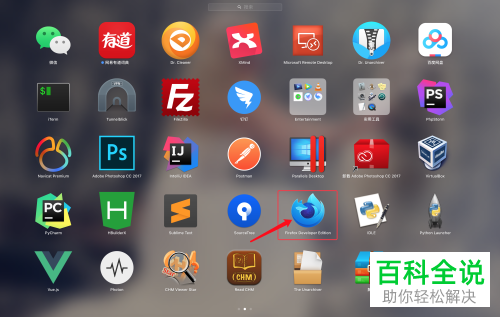
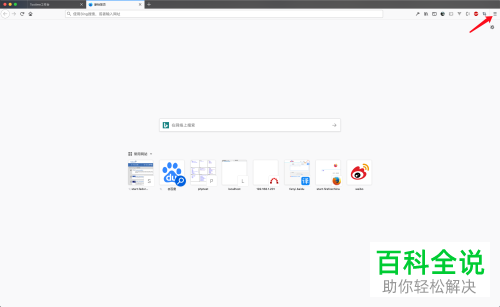
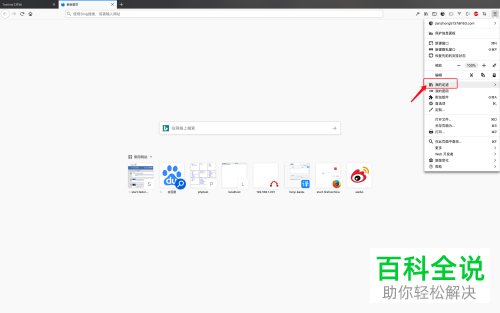
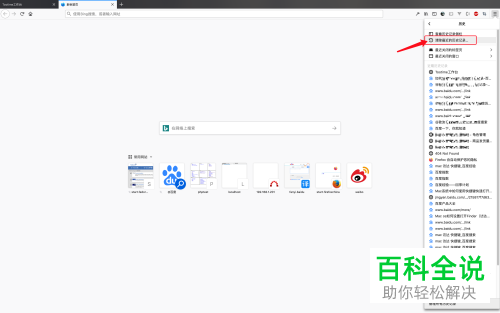
  1. 1. 打开【Firefox】,点击首页右上角的“三”,弹出窗口选择“我的足迹”选项

    火狐Firefox浏览器怎么清除历史浏览记录

  2. 火狐Firefox浏览器怎么清除历史浏览记录

  3. 火狐Firefox浏览器怎么清除历史浏览记录

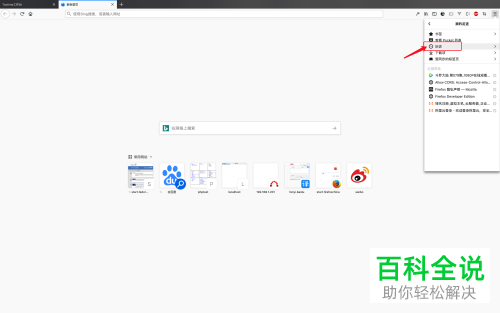
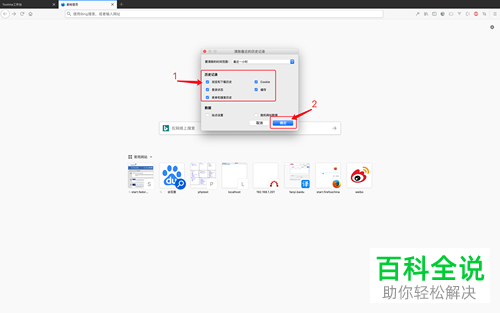
  4. 2. 再点击【历史】选项,选择【清除最近的历史记录】选项,会弹出对话框,选择要删除的选项后,点击确定“删除”即可

    火狐Firefox浏览器怎么清除历史浏览记录

  5. 火狐Firefox浏览器怎么清除历史浏览记录

  6. 火狐Firefox浏览器怎么清除历史浏览记录

  7. 以上就是火狐Firefox浏览器怎么清除历史浏览记录的办法。