QQ是我们常用的设计软件之一,有小伙伴问怎么设置头像状态栏,下面小编介绍一下。
具体如下:
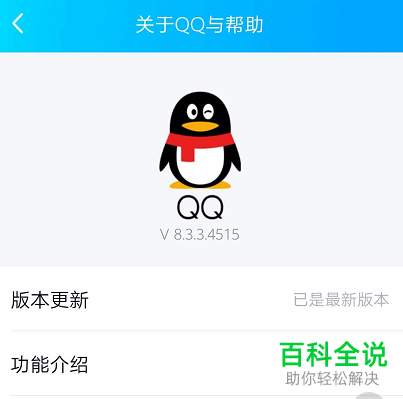
1. 首先,打开应用商店或者QQ帮助,将QQ更新到最新版本
2. 更新后,打开【QQ】,点击左上角的头像
3. 弹出窗口选择“设置”
4. 在设置页面,点击“账号管理”选项。
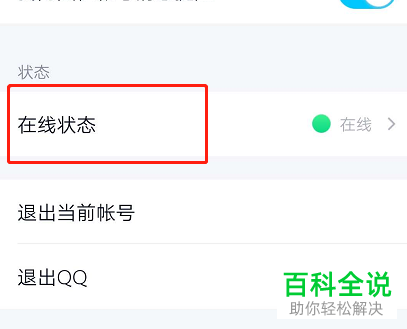
5. 找到\"在线状态\"选项,点击打开。
6. 选择要设置的在线状态,点击设置即可
以上就是手机QQ设置头像状态栏的办法。