> 文章列表 > excel中怎么快速计算个人所得税?

excel中怎么快速计算个人所得税?

今天要和大家分享的是:excel如何快速计算个人所得税!详见下图动态演示和步骤分解。

excel中怎么快速计算个人所得税?

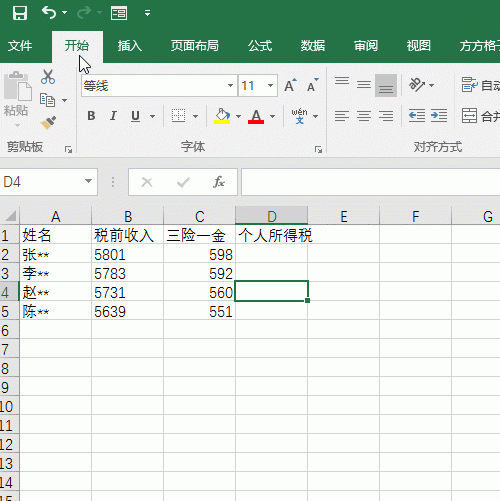
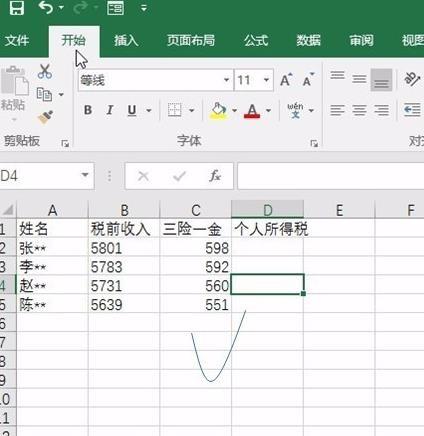
1、打开数据表格,如下图所示

excel中怎么快速计算个人所得税?

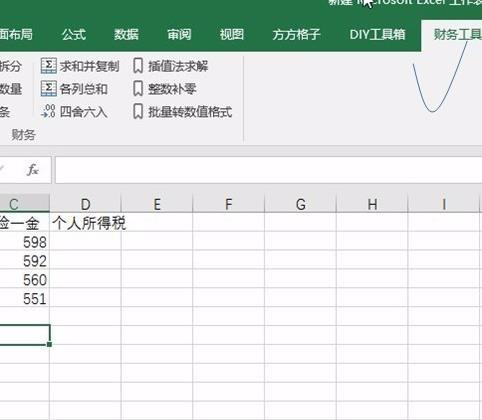
2、选择财务工具,如下图所示:

excel中怎么快速计算个人所得税?

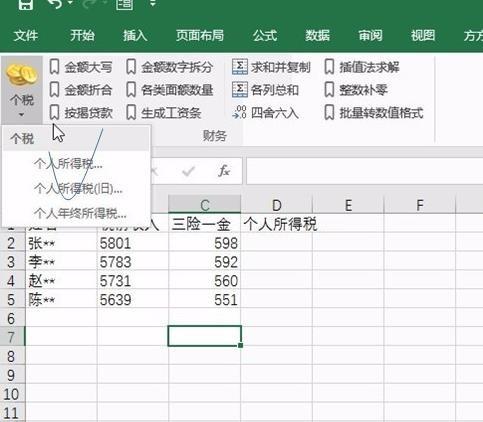
3、选择个税按钮中的个人所得税,如下图所示:

excel中怎么快速计算个人所得税?

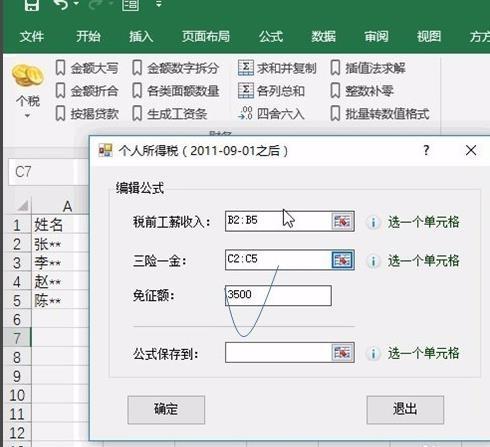
4、弹出对话框拉选税前收入,三险一金,如下图所示:

excel中怎么快速计算个人所得税?

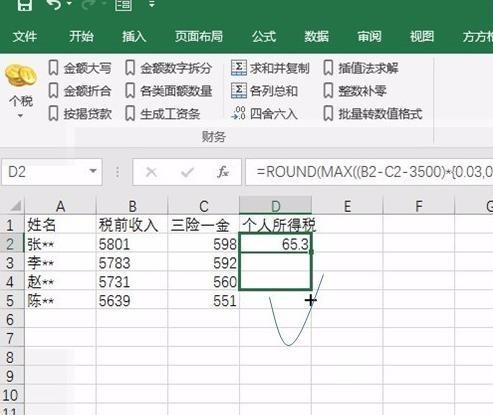
5、确定后对公式进行下拉操作,如下图所示:

excel中怎么快速计算个人所得税?

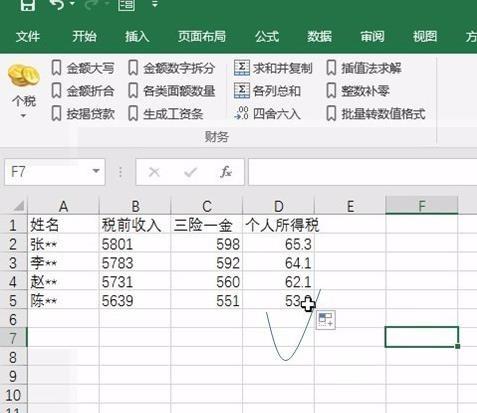
6、即可看到结果,如下图所示:

excel中怎么快速计算个人所得税?